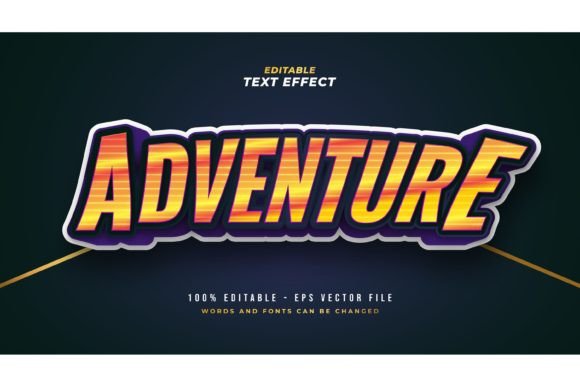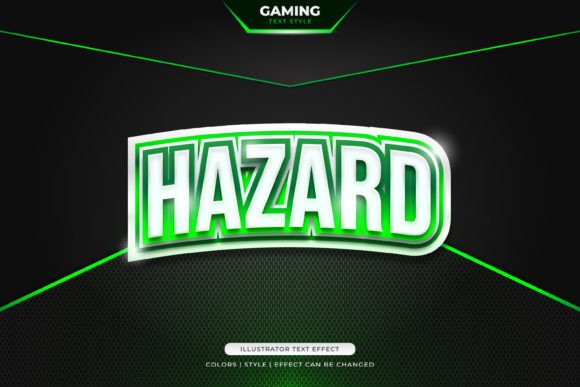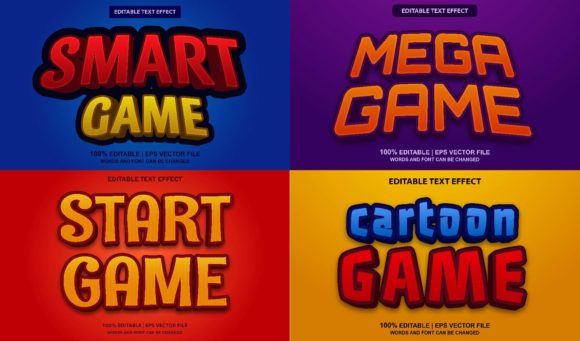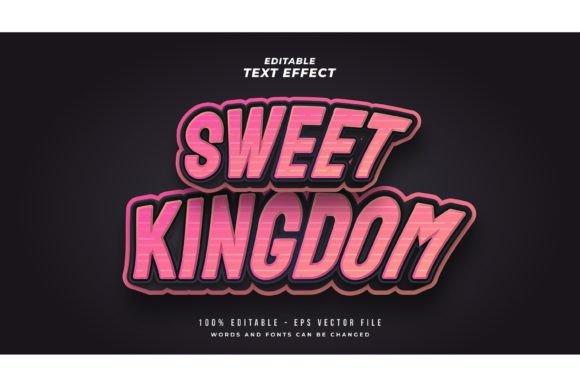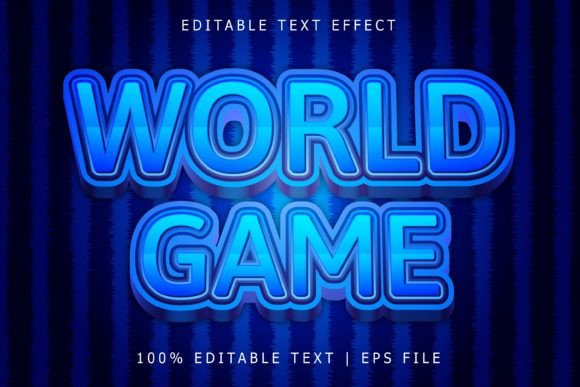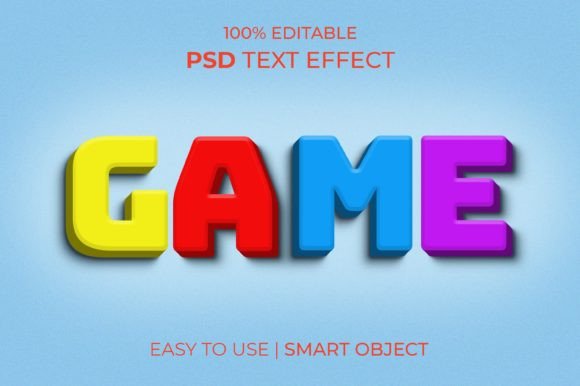
Instant Vibrancy: The Game Multi Color Text Effect
If you have ever stared at a blank canvas trying to figure out how to make a headline pop, you know the struggle of layer styles, blending modes, and gradients. Creating that perfect, eye-catching, multi-toned look from scratch is time-consuming and often requires advanced Photoshop skills. That is exactly why having a reliable Game Multi Color Text Effect in your toolkit changes the game. It allows you to bypass the tedious setup and jump straight into the creative part, turning flat text into a dynamic, professional statement in seconds. This isn't just about adding color; it's about adding depth, energy, and a modern edge to your typography without the headache of manual editing.
What makes this specific resource stand out is its versatility and quality. Designed at a crisp 300 DPI with a generous resolution of 2000x1331 pixels, it ensures your text looks sharp whether it is viewed on a high-resolution mobile screen or printed on a poster. The "Game" aesthetic typically implies boldness and excitement, making this effect perfect for projects that need to grab attention immediately. Because it utilizes Smart Objects, you can apply this high-end look to any font or shape instantly. You simply click the layer, paste your text, and save. The file does the heavy lifting, ensuring the lighting, shadows, and color shifts interact realistically with your letters.
Why Modern Designers Need Editable PSD Assets
In the fast-paced world of digital marketing and content creation, speed is currency. A static image file is limiting, but a fully editable PSD text effect is an asset that keeps giving. The core advantage here is the "Well layered & organized in groups" structure. If you are a small business owner or a freelance designer, you understand the importance of customization. You aren't stuck with the default colors or settings. Want to shift the hue to match a specific client brand palette? You can do that. Need to adjust the lighting to fit a darker background? That’s possible too.
This kind of flexibility is crucial for maintaining visual consistency across different campaigns. For instance, if you are launching a new mobile app or a gaming channel, you need a visual language that feels cohesive. By using this PSD text effect, you can ensure that your Instagram stories, YouTube thumbnails, and website banners all share the same high-energy aesthetic. It bridges the gap between amateur graphics and professional presentation, giving your brand the credibility it needs to compete in a crowded market.
Practical Applications: From Branding to Social Media
The utility of a vibrant text effect extends far beyond just "making things look cool." It is a strategic tool for communication. Here is how you can leverage this design asset across various mediums:
- Social Media Graphics: Platforms like Instagram and TikTok are visually driven. A flat, black-and-white quote might get scrolled past, but a quote rendered with a Game Multi Color Text Effect commands attention. It is perfect for story backgrounds, highlight covers, or announcement posts that need to stop the scroll.
- Logo Design & Brand Identity: While not every logo suits a complex effect, modern tech brands, podcast covers, and event branding often benefit from a "display" style treatment. You can use this effect to mock up how your logotype looks in a dynamic environment or use it for secondary branding elements.
- Merchandise and Packaging: If you sell t-shirts, stickers, or packaging for tech products, this effect translates beautifully to print. The high resolution ensures that the gradients remain smooth, giving your physical products a premium feel.
- Editorial Layouts and Blogs: Break the monotony of text-heavy blog posts by using stylized pull quotes or feature images. It adds a visual anchor that helps with readability and flow.
Think about the psychology of color in your projects. Multi-color effects often evoke feelings of creativity, energy, and playfulness. This makes the template ideal for industries like gaming, entertainment, food and beverage, and youth-oriented marketing. It helps in increasing audience engagement because the visual stimulus is inherently more interesting than standard typography.
Mastering Font Pairing and Typography
While the effect itself is stunning, the typeface you choose to apply it to will dictate the final result. This is where the art of font pairing comes into play. Because the effect is busy and detailed, it generally works best with bold, thick fonts. Think heavy sans serif fonts or blocky display fonts. Thin, delicate script fonts might get lost in the texture of the color shifts.
When integrating this into a layout, consider the hierarchy. If your headline is using this vibrant effect, your sub-headline and body copy should be much simpler—perhaps a clean, medium-weight sans-serif or a readable serif font. This contrast creates a professional balance. You don't want to overwhelm the viewer; you want to guide their eye. The effect should serve as the focal point, while the rest of the design supports it.
Also, keep in mind the context of your project. If you are designing for a website, ensure that the text remains legible against your chosen background. While the effect adds depth, high-contrast backgrounds usually work best to make the colors pop. For print materials like posters or invitations, test print a small section first to ensure the ink density looks correct on your chosen paper stock.
Tips for Editing and Customization
To get the most out of this resource, you don't need to be a Photoshop wizard, but a few basic tips can help you refine the output:
- Background Matters: While the effect looks great on many surfaces, dark or textured backgrounds often highlight the "multi-color" aspect best. A concrete texture or a dark gradient can make the text look like it is glowing.
- Color Adjustments: Don't be afraid to add a "Hue/Saturation" adjustment layer above the effect group. This allows you to shift the entire color scheme of the text effect to match specific seasonal themes (like red/green for Christmas or pastels for spring) without breaking the Smart Object.
- Masking for Realism: If you are placing this text over an object, like a hand holding a phone, use layer masks to hide parts of the letters. This creates a sense of depth and makes the design look more integrated into the scene.
Remember, the goal of using a premium font or effect resource is to save time on technical execution so you can spend more time on creative strategy. By utilizing this organized, well-layered file, you are essentially hiring a digital assistant to handle the complex rendering while you focus on the message you want to convey.
Final Thoughts on Visual Impact
In a digital landscape saturated with content, standing out is non-negotiable. Using a high-quality Game Multi Color Text Effect is a simple yet powerful way to inject personality into your designs. Whether you are a seasoned creative entrepreneur looking to speed up your workflow or a hobbyist wanting to create stunning graphics for a personal project, this asset offers immediate value. It combines the technical precision of modern typography with the raw energy of color, ensuring your message isn't just seen, but felt. It’s about making your words work harder and look better doing it.