3D Game Text Effect: Bold Pink and Blue Styles for Your Projects
There’s a certain energy that jumps off the screen when typography has depth and dimension. Flat text does the job, but a stylized, three-dimensional effect captures attention in a way that feels immersive and modern. If you’ve been scrolling through design marketplaces, you might have come across a specific visual style that combines vibrant neon hues with that classic arcade-game geometry. It’s bold, it’s unapologetic, and it commands a reaction. We are talking about the kind of visual language that defines modern gaming, esports, and tech branding.
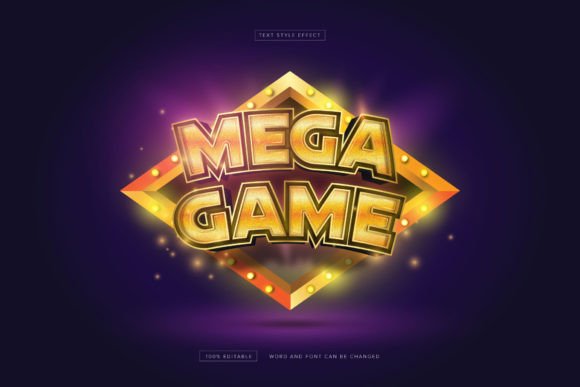
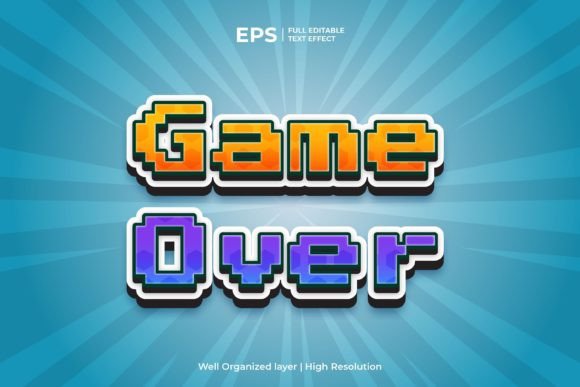
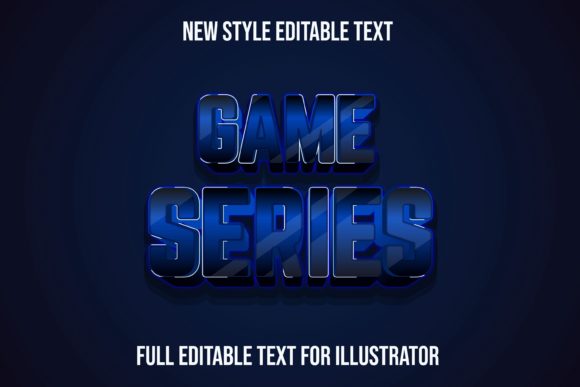
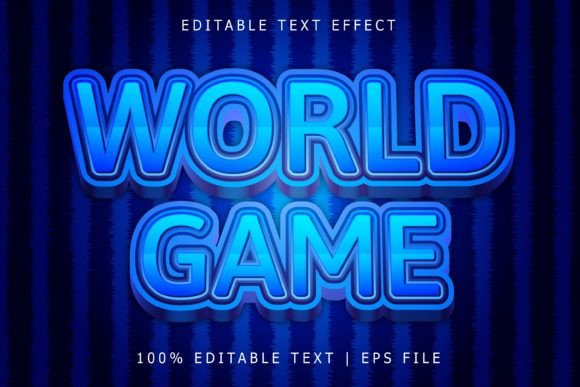
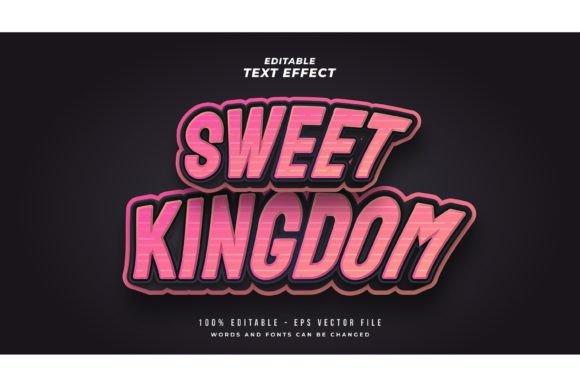
The specific aesthetic we are looking at today—the 3D Game Text Effect in Pink and Blue—is a prime example of how color and shadow can work together to create something electric. This isn't just about picking a heavy font; it’s about applying a specific artistic treatment that mimics light, glass, and glowing neon. For designers, marketers, and entrepreneurs, understanding how to use such a powerful visual asset can be the difference between a logo that blends in and one that dominates the market.
The Visual Language of Neon and Depth
Why does this particular color combination work so well? It taps into a retro-futuristic vibe. Pink and blue are often associated with cyberpunk aesthetics, synthwave music, and the digital frontier. When you apply a 3D effect to these colors, you create a sense of "glow." The human eye is naturally drawn to high-contrast elements, and a hot pink outline against a cool blue shadow creates a vibration that is hard to ignore.
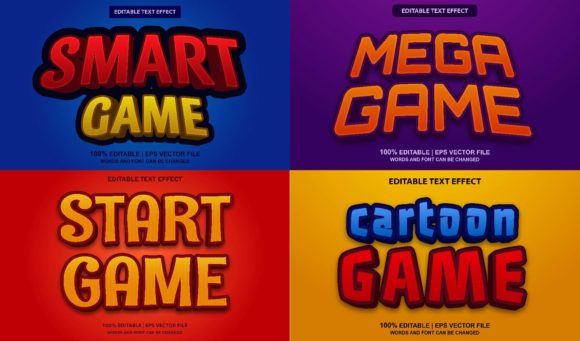
However, a common mistake is thinking you need to be locked into a specific typeface to get this look. This is where the versatility of a professional Adobe Illustrator Text Style Effect comes into play. Unlike a static font file, a style effect is a set of layered appearances and graphic styles that can be applied to any font you choose. Whether you prefer a thick sans serif font for impact or a jagged script font for a graffiti vibe, the 3D pink and blue layering adapts to your choice. This means you aren't just buying a look; you are buying a tool that multiplies your existing font library.
Real-World Applications: From Packaging to Pixels
Let’s talk about where this style actually belongs. The gaming aesthetic has bled into mainstream commercial design over the last few years. You don’t have to be designing a video game to use a 3D Game Text Effect. Here is how different creatives are leveraging this style for maximum impact:
- Branding and Identity: If you are launching a tech startup, a podcast about digital culture, or a clothing line targeting Gen Z, this style screams "innovation." It helps build a brand identity that feels current and energetic.
- Social Media Graphics: On platforms like Instagram and TikTok, you have milliseconds to stop a user from scrolling. The high saturation of pink and blue creates an immediate thumb-stopping moment for sale announcements or event promos.
- Merchandise and Packaging: Think about streetwear hoodies, sticker packs, or energy drink cans. This aesthetic translates beautifully to print, especially when using high-resolution EPS files that ensure your edges stay sharp, even on large banners.
- Event Invitations: Hosting a launch party or a themed birthday? Using a premium font style with this 3D effect sets the mood instantly, telling guests exactly what kind of vibe to expect.
The key here is visual consistency. By using a template-based effect, you can ensure that your Instagram story matches your website header, which matches your physical packaging. This repetition builds brand recognition faster than almost any other marketing strategy.
Practical Workflow: The "Click and Change" Advantage
One of the biggest hurdles in design is the technical execution. Creating a realistic 3D effect from scratch in Illustrator involves complex gradient meshes, multiple strokes, and intricate shadow work. For a small business owner or a busy content creator, spending three hours on a single text effect isn't a viable business strategy.
This is where the "Easy to Edit (Just Click and Change The Texts)" feature becomes a lifesaver. When you download a file that includes EPS and JPG Preview, you are looking for a workflow that respects your time. The ideal setup allows you to open the vector file, select the text with your cursor, delete the placeholder letters, and type your own message. The effect should automatically wrap around your new letters.
Imagine you are a small business owner preparing for a flash sale. You need a banner for your website, a post for Facebook, and a graphic for your email newsletter. With a 100% editable text effect, you can create all three assets in under ten minutes. You simply change the text to "FLASH SALE," adjust the font size to fit the specific dimensions of your canvas, and export. It removes the barrier between your idea and the final execution.
Strategic Typography: Pairing and Readability
While a glowing 3D effect is visually stunning, it requires a strategic approach to typography to be effective. Here are a few practical tips to ensure your design remains professional and readable:
- Choose the Right Base Font: Because the effect adds visual weight (shadows, glows, outlines), it is best paired with a display font or a bold serif font. Thin, delicate fonts can get lost or become illegible when a heavy 3D effect is applied. Look for typefaces with wide letterforms.
- Contrast is King: If you place this pink and blue text over a busy photograph, the text will disappear. To maintain readability, place the text over solid dark backgrounds (black or deep navy) or use a semi-transparent shape behind the text to separate it from the background noise.
- Less is More: This style is high-energy. It is best used for headlines, logos, and short call-to-action phrases. Do not try to write a full paragraph of body copy using a heavy 3D game effect; it will exhaust the reader's eyes. Use a clean modern typography style for your body text and save the 3D effect for the punchline.
- Check Your Licensing: Always ensure the assets you use come with a commercial font license if you plan to sell products or use them for client work. Understanding the terms protects you legally and ensures your client receives a professional product.
Elevating Your Creative Toolkit
Design trends come and go, but the principles of engaging visual communication remain constant. People are drawn to depth, light, and color. Incorporating a style like the 3D Game Text Effect in Pink and Blue into your toolkit isn't just about following a fad; it's about having the capability to produce high-impact graphics when the project demands it.
Whether you are a graphic designer looking to speed up your production time, or a hobbyist wanting to make professional-looking party invites, utilizing editable vector styles bridges the gap between amateur and pro. It allows you to focus on the message—what you want to say—rather than getting bogged down in the technicalities of how to draw a shadow.
Next time you are brainstorming for a logo, a poster, or a digital ad, consider the medium. If you want to communicate energy, youth, and a digital-first mindset, the neon glow of pink and blue might just be the perfect voice for your brand. Download the assets, open them up, and start experimenting. You might be surprised at how a simple text effect can completely transform the feel of your project.