Create Award-Winning Graphics with This Badge Text Effect
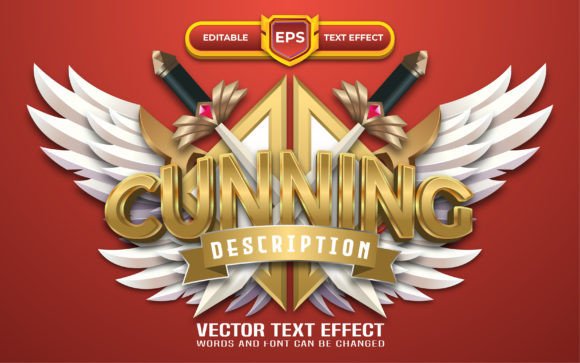
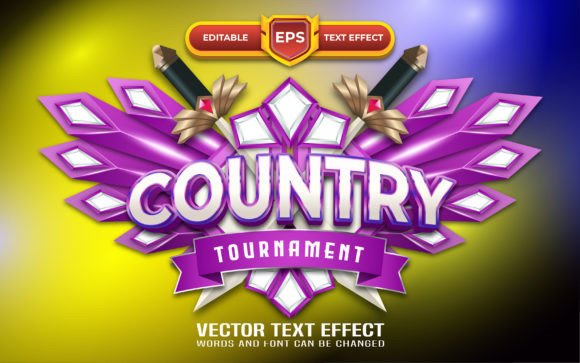
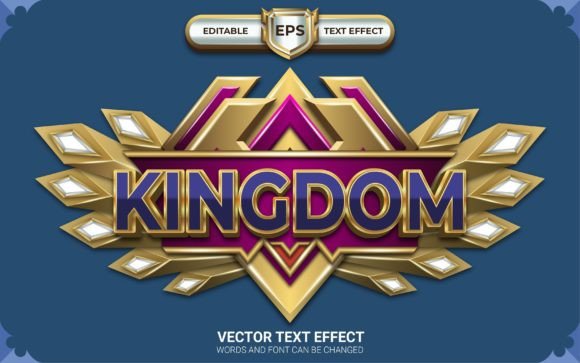
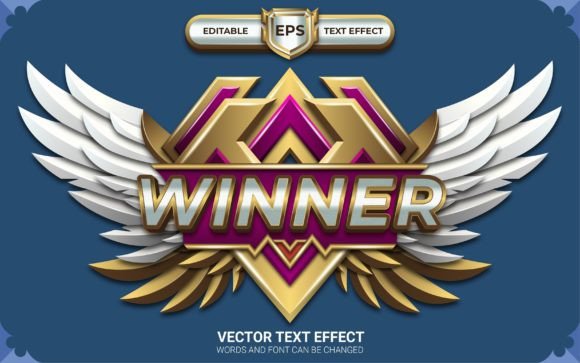
In the fast-paced world of digital marketing and design, grabbing attention is only half the battle; keeping it long enough to convey a message of success is the real challenge. Whether you are launching a new product, announcing a contest winner on social media, or designing packaging for a competitive market, you need visual elements that scream "Victory" without cluttering your layout. This is where the Winner Game Badge with Editable Text Effect steps in. Designed specifically for Adobe Illustrator, this asset bridges the gap between complex 3D rendering and quick, efficient design work. It offers that coveted "gaming" aesthetic—think bold, metallic, and dynamic—while remaining fully editable, giving you the power to customize every letter to fit your specific branding needs.
Why Dynamic Text Effects Matter in Modern Branding
Standard typography serves a functional purpose, but when you are trying to create a mood of excitement or achievement, flat text often falls flat. The visual style of the Winner Game Badge taps into the psychology of rewards. We are conditioned to associate badges, trophies, and bold, textured text with high value and success. By incorporating this specific text effect into your projects, you are leveraging modern typography to trigger an emotional response from your audience.
This isn't just about looking cool; it's about visual consistency and brand recognition. If you are a streamer, a tech reviewer, or a small business running a contest, using a consistent visual language for your "wins" helps build a recognizable brand identity. The Winner Game Badge provides a cohesive look that can be applied across various touchpoints, from your Instagram stories to your website headers. Because it uses an RGB color mode, it is optimized for digital screens, ensuring the colors pop with the vibrancy necessary to stand out in a crowded feed.
Practical Applications: From Social Media to Print
One of the biggest hurdles designers face is finding assets that work seamlessly across different mediums. A design that looks great on a website might lose its detail when printed on a flyer. However, this text effect is versatile enough to handle both realms, provided you manage your output settings correctly. Here is how different creatives can leverage this asset:
- Social Media Graphics: For marketers running campaigns on Instagram, Twitter, or Facebook, attention spans are short. A bold badge effect creates an instant focal point. Use it to announce flash sales, "Winner of the Week" features, or milestone celebrations. The 3D depth of the effect makes it look like a premium asset rather than a generic template.
- Event Promotion: If you are organizing a gaming tournament, a charity run, or a local competition, the Winner Game Badge is perfect for poster design and flyers. It instantly communicates the theme of competition. You can easily swap out the text to feature the event name or the prize details.
- Editorial Layouts and Magazines: Editorial design often requires strong pull-quotes or section headers. This effect can be used to highlight a specific feature story, such as a "Game Changer" or "Top Performer" article, adding a layer of premium font styling to the layout.
- Logo Design and Branding: While it is a text effect, it can serve as a foundation for logo design, particularly for esports teams, gaming blogs, or tech startups. The metallic and dimensional look conveys strength and reliability.
- Digital Products and Merchandise: If you sell t-shirts, mugs, or stickers, this effect helps create mockups that look high-end. It is also excellent for designing the cover art of digital guides or e-books related to gaming or success strategies.
Maximizing Your Workflow with Editable Features
Time is money in the design world. Many 3D text effects available online are "baked," meaning they are flattened images that cannot be edited. If you want to change the text, you have to start over. The Winner Game Badge with Text Effect solves this problem by being 100% editable.
Because this is an Ai & Eps file for Adobe Illustrator, you have full control over the vector paths. This is a massive advantage for several reasons:
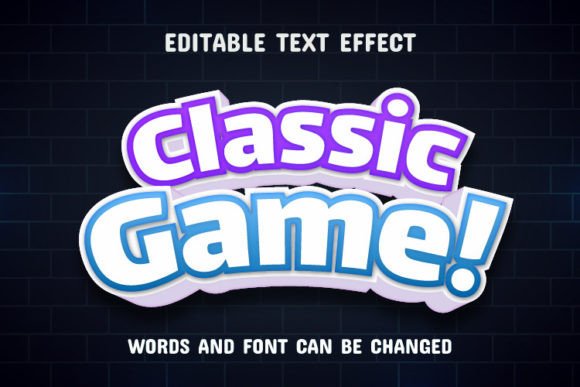
- Font Flexibility: The effect is designed to look good on almost any type of font. While the preview might use a sans serif font or a bold display font, you can apply this effect to a script font or even a handwritten font to create a unique blend of organic and industrial styles.
- Color Customization: Need the badge to match a specific brand palette? Since it is vector-based, you can easily adjust the gradients, shadows, and highlights to match your brand's hex codes.
- Scalability: As a vector asset, you can scale this text effect to the size of a billboard or down to the size of a favicon without losing quality. This ensures your brand identity remains sharp across all web design and print applications.
Tips for Pairing and Presentation
To get the most out of this asset, consider the context of your packaging design or digital layout. Because the Winner Game Badge is visually heavy and detailed, it works best when paired with cleaner elements. Here are a few tips for font pairing and composition:
Contrast is Key: If you use the badge for your main headline, use a clean, legible serif font or a simple geometric sans-serif for your body copy. This prevents the design from becoming overwhelming and ensures readability.
Space to Breathe: 3D effects create depth, which means they need "air" around them. Don't crowd the badge with other graphics. Let it stand as a focal point to maximize audience engagement.
Contextual Usage: While it is tempting to use this effect everywhere, reserve it for moments of importance. Use it to highlight the "Best Seller" tag on packaging, the "Subscribe" button on a blog, or the "Limited Edition" label on merchandise. Overusing such a strong visual element can dilute its impact.
Getting Started with Your Creative Project
Integrating professional assets into your workflow shouldn't require a steep learning curve. The inclusion of a "Read Me.txt" help file ensures that even if you are new to Illustrator, you can get started quickly. The fact that this asset uses 100% free fonts also removes the headache of licensing issues for the typeface itself, allowing you to focus purely on the creative output.
Whether you are a content creator looking to spice up your YouTube thumbnails, a marketing professional designing a campaign for a new product launch, or a hobbyist working on a passion project, this text effect offers a blend of style and utility. It transforms standard text into a visual statement of victory. By utilizing the Winner Game Badge, you are not just adding text to a page; you are adding a narrative of success, quality, and professional polish to your work.