Bring Back the Arcade: Using the Classic Game 3D Text Effect
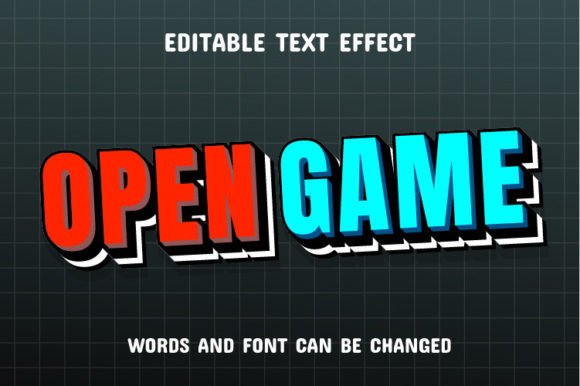
There is something undeniably magnetic about the pixelated, chunky typography of the late 80s and early 90s arcade era. It evokes a sense of nostalgia, high scores, and digital adventure that modern, sleek fonts often struggle to replicate. If you are looking to inject that specific retro-gaming energy into your projects, the Classic Game 3D Text Effect is a design asset that bridges the gap between vintage aesthetics and modern versatility. It isn't just about slapping a filter on a word; it is about transforming standard text into a tactile, visual experience that pops off the screen.
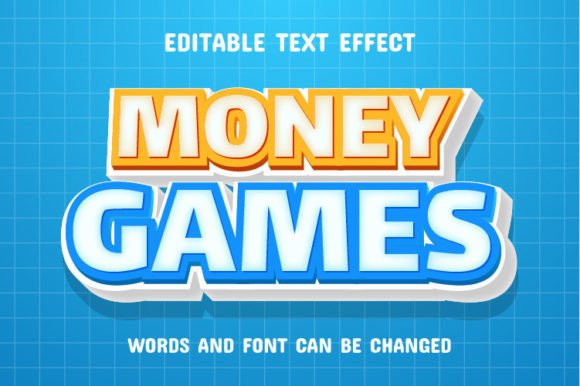
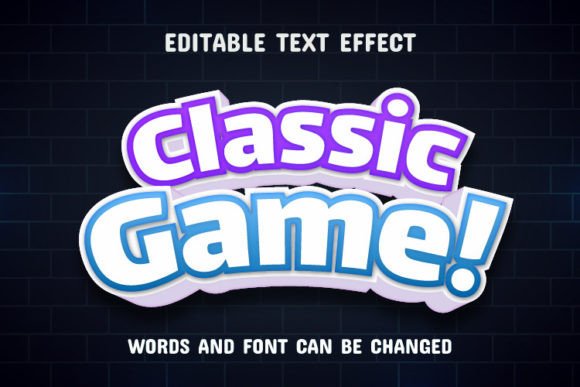
This asset is designed with the creator in mind, offering a unique text effect that is 100% editable. Whether you are a graphic designer working on a client brief, a small business owner refreshing your brand, or a hobbyist creating invitations for a gamer-themed party, this tool allows you to write your own words and watch the 3D effect apply instantly. The result is a professional-grade visual that captures the spirit of classic gaming while maintaining the clarity needed for modern communication.
Visual Appeal and Versatility in Modern Design
What makes this particular text effect stand out in a sea of premium fonts and design assets? It is the marriage of dimension and nostalgia. The "3D" aspect gives the typography weight and presence, grounding it in a way that flat text cannot. Meanwhile, the "Classic Game" styling taps into the current trend of retro-wave aesthetics. This combination makes it incredibly visually appealing for a variety of contexts.
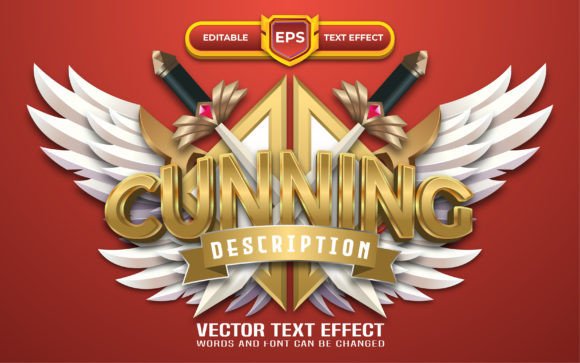
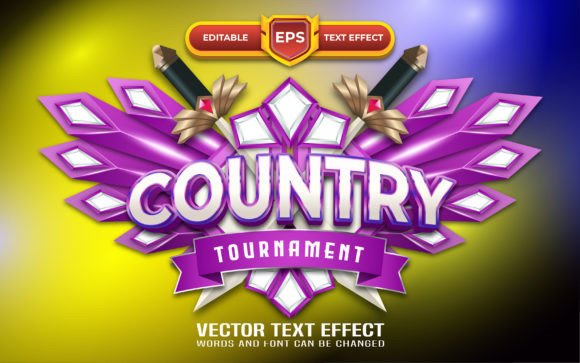
Because the files are provided in EPS format, editable in Adobe Illustrator CC or higher, you have complete control over the final output. This is not a static image; it is a vector-based tool. You can scale it up for massive posters or down for social media avatars without losing quality. The ability to edit the underlying paths means you can change colors, adjust the depth of the 3D effect, or alter the texture to match your specific brand palette. It is the kind of creative font asset that adapts to your imagination rather than limiting it.
Practical Applications for Entrepreneurs and Creatives
One of the most common questions designers face is how to make a brand stand out in a saturated market. The answer often lies in distinctive visual assets. Here is how the Classic Game 3D Text Effect can be applied across various industries and projects:
- Logo Design and Brand Identity: For businesses in the entertainment, tech, or event industries, this effect can serve as the foundation for a memorable logo. It instantly communicates a vibe of fun, interaction, and energy. It helps build brand recognition because the 3D styling is more memorable than standard sans-serif text.
- Packaging and Merchandise: If you are selling physical goods—especially in the food, beverage, or apparel sector—packaging design is your silent salesperson. Applying this effect to headers on boxes or labels can make a product jump off the shelf. It works exceptionally well for limited edition releases or merchandise lines like t-shirts and hoodies where bold graphics are essential.
- Social Media Graphics and Marketing: The digital landscape is noisy. To stop the scroll, you need content that grabs attention immediately. This text effect is perfect for Instagram stories, YouTube thumbnails, or Facebook ad banners. The 3D depth creates a focal point that draws the eye, improving audience engagement and click-through rates.
- Event Invitations and Editorial Layouts: Planning a gaming tournament, a retro-themed birthday, or a launch party? The effect adds a layer of excitement to invitations. In editorial design, such as magazine covers or blog headers, it can be used to highlight key headlines, adding a dynamic element to the page layout.
Enhancing Visual Consistency and Professional Presentation
Consistency is the backbone of professional design. When you use a cohesive set of design assets, your project looks polished and trustworthy. The Classic Game 3D Text Effect allows you to maintain this consistency across different platforms. Because the effect applies uniformly to whatever text you input, you can create a suite of materials—from a website banner to a print poster—that all share the same visual language.
Furthermore, readability is a critical factor in design success. While many decorative fonts sacrifice legibility for style, this effect is crafted to ensure that your message is understood. The 3D elements add flair without obscuring the letterforms. This balance is crucial for marketing assets where the call-to-action or the brand name needs to be read clearly at a glance. It elevates your presentation from "homemade" to "high-quality commercial font" territory.
Practical Advice for Implementation
To get the most out of this asset, it helps to approach it with a strategy. Here are some practical tips for integrating the Classic Game 3D Text Effect into your workflow:
- Match Typography to Project Goals: Ask yourself what emotion you want to evoke. If you are designing for a serious corporate law firm, this might not be the right fit. However, if you are designing for a gaming café, a podcast intro, or a tech startup with a playful edge, it is perfect. The font style should always support the narrative of the project.
- Test Font Pairings: Display fonts like this 3D effect are best used for headlines and short bursts of text. They pair beautifully with clean, simple sans-serif fonts for body copy. For example, using the Classic Game effect for the main title and a font like Helvetica or Roboto for the description creates a hierarchy that is easy to read and visually pleasing.
- Consider the Background: Because this is a 3D effect, it interacts with the background. A busy, patterned background might clash with the text, making it hard to read. Solid colors or subtle gradients often work best to let the text effect shine. Play with the contrast to ensure the text "pops" as intended.
- Licensing and Usage: Always review the specific terms provided with the files. Since this asset is designed for commercial use, you can confidently use it in client work and products for sale. However, understanding the limits of the license (such as print run numbers or digital distribution limits) is always a professional best practice.
Ultimately, the Classic Game 3D Text Effect is more than just a stylistic choice; it is a communication tool. It allows you to tell a story of fun, creativity, and nostalgia. By utilizing the editable EPS files in Adobe Illustrator, you are not just applying a filter—you are crafting a visual identity that resonates with your audience and stands the test of time. Whether for digital products or print materials, this asset offers a creative way to express yourself and ensure your message is not just seen, but felt.