Celebrate in Style: 3D Text Effects for Festive Projects
There is something undeniably magnetic about typography that jumps off the page. When you are working on a project meant to evoke excitement—whether it is a gaming tournament announcement, a birthday celebration, or a flashy marketing campaign—flat text often falls short. You need dimension, light, and energy. This is where the specific aesthetic of 3D vector effects comes into play, transforming standard letters into vibrant, tactile objects. For designers and creators looking to inject a dose of celebration into their work, having a pre-built library of styles that simulate balloons, ribbons, and neon glows can drastically speed up the workflow without sacrificing quality.
The Anatomy of a Celebration
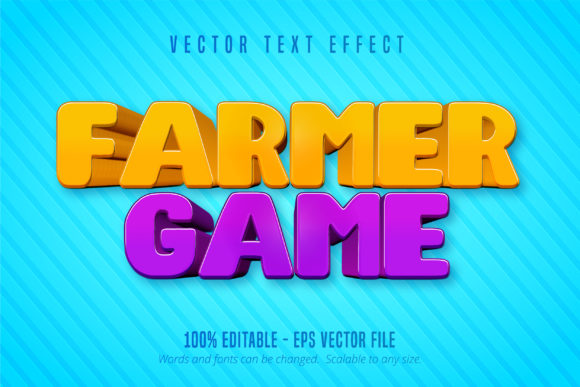
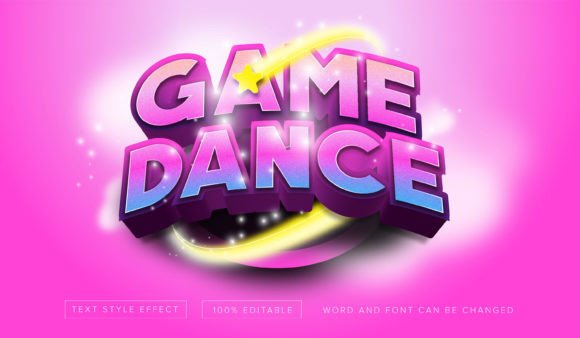
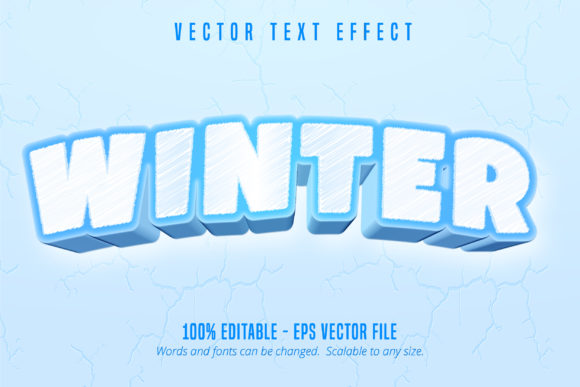
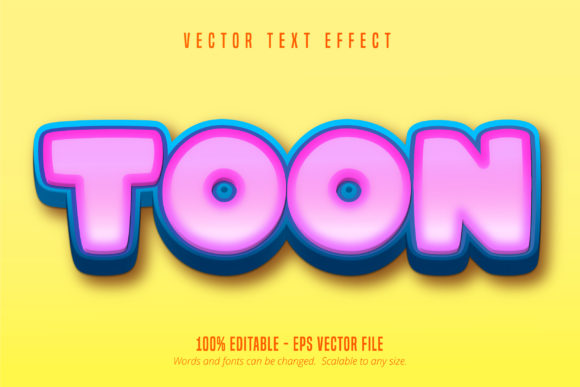
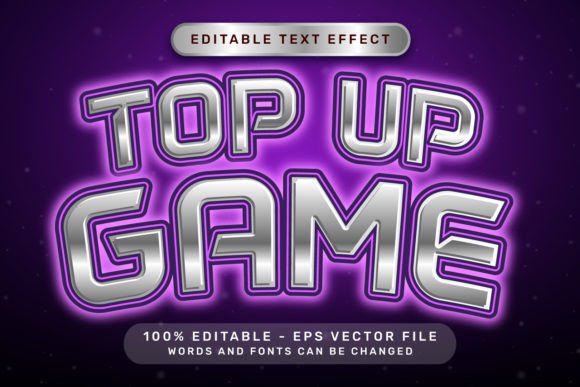
The specific "Top Up Game Effect" style we are examining is built around a very distinct visual language. It combines the depth of 3D rendering with the playful textures of party decorations. Imagine text that looks like it is made of shiny plastic, adorned with ribbon bows and floating balloons, all set against a backdrop of light neon colors. This isn't just a font; it is a complete graphic style.
What makes this approach particularly effective for modern design is the balance between complexity and usability. In the past, achieving this look in Adobe Illustrator required hours of manual work with the Extrude & Bevel tool, complex gradient mapping, and meticulous shading. Today, advanced graphic styles allow you to apply these intricate looks with a single click. The "Top Up Game Effect" utilizes the native power of Illustrator’s appearance panel. Because it is delivered as a vector EPS file, it remains infinitely scalable. You can use it for a small website icon or blow it up for a massive trade show banner without losing a pixel of clarity.
Practical Applications for Visual Impact
Understanding how to deploy such a distinct style is key to successful branding. This type of editable text effect is not a one-size-fits-all solution, but when used in the right context, it is a powerhouse for engagement. Here are several practical ways to integrate this vibrant aesthetic into your projects:
- Gaming and Streaming Overlays: The "game" aspect of this effect makes it perfect for Twitch streamers or YouTube gamers. Use it for "Subscribe" buttons, event alerts, or stream starting screens to match the high-energy atmosphere of gaming content.
- Social Media Campaigns: Platforms like Instagram and TikTok are crowded. A static, serif headline might get lost in the scroll, but a 3D text effect with neon lighting and ribbon details demands attention. It is ideal for announcing sales, giveaways, or holiday specials.
- Event Invitations: Whether it is a digital invite for a Zoom party or a printed card for a milestone birthday, the balloon and bow elements inherent in this style set the festive tone immediately. It removes the need to source separate illustration assets for decoration.
- Packaging and Merchandise: For small businesses selling party supplies, candy, or children’s toys, this typography style can elevate packaging design. It communicates fun and value instantly, helping products stand out on the shelf.
- Editorial Layouts: Magazine covers or blog post headers related to lifestyle, parties, or entertainment can benefit from these bold headlines. It adds a layer of visual storytelling that plain text cannot achieve.
Streamlining Your Workflow with Editable Assets
One of the biggest hurdles in design is the bottleneck of creation. If you are a freelancer or a small business owner wearing the "designer" hat, you likely don't have time to manually craft 3D text for every project. This is where the utility of a pre-made, yet fully editable, asset shines.
The package described here includes a high-resolution JPG preview and a vector EPS file. The real value lies in the editable nature of the vector file. You are not locked into a specific phrase. Because the text remains live (or is easily editable via the Graphic Styles panel), you can type whatever message you need. Need to change "Happy Birthday" to "Grand Opening"? It takes seconds.
Furthermore, the "light neon color" palette is often customizable. In Adobe Illustrator, once the style is applied, you can usually dive into the appearance panel to adjust the gradient colors. This means you can shift the neon from a cool blue/pink mix to a warm orange/yellow scheme to match a specific brand identity. This flexibility ensures that while the style is consistent, the application remains unique to your brand.
Technical Considerations for Maximum Quality
When working with heavy graphic styles like this, performance and compatibility matter. Since these files are optimized for Adobe Illustrator, they leverage the software's native capabilities to render the 3D effects, shadows, and lighting. This is superior to rasterized effects (like those in Photoshop) because it allows for true vector scalability.
However, there are a few best practices to keep in mind to ensure your designs remain professional:
- Readability: While the decorative elements are fun, ensure your message is legible. If the text is too short or the font too script-heavy, the balloons and ribbons might obscure the letters. Test your headline at the intended display size.
- Contrast: Neon effects rely on contrast to "glow." Make sure you place this text against a darker or neutral background so the light effects pop. Using these on a very busy, colorful background might reduce the impact.
- File Management: Because these styles can be complex, they can increase file size. If you are using them on a website, remember to export the final composition as an optimized SVG or PNG/JPG rather than trying to load the heavy vector code directly into the browser.
Beyond the Template: Making It Your Own
The true power of a "Top Up Game Effect" style isn't just in replicating the preview image; it is in adaptation. As a designer, you should view these assets as a starting point. Once you apply the style, consider how it interacts with the rest of your layout. Does the 3D shadow compete with a drop shadow on your background image? Does the neon glow clash with your body copy?
Pairing this heavy, decorative display font with a clean, sans-serif font for your body text is usually the best approach. The contrast between the elaborate 3D headlines and simple, readable paragraphs creates a visual hierarchy that guides the viewer's eye. You want the "Top Up Game Effect" to grab attention, but you want your body copy to hold it.
Ultimately, tools like these are about empowering creativity. They bridge the gap between a complex idea and a polished final product. Whether you are designing a logo for a new entertainment brand, creating assets for a holiday marketing push, or just experimenting with 3D typography, having access to an editable, high-quality vector style allows you to focus on the message rather than the technical mechanics of the effect. It is about working smarter, maintaining visual consistency, and delivering professional results that resonate with your audience.