Winter Game Style: A Playful Text Effect for Designers
There’s a certain magic to the first snowfall—the way it blankets the world in a clean, crisp layer of possibility. For designers and creators, capturing that seasonal energy in a project can be a challenge. You want something that feels festive and fun, but also polished and professional. Too often, holiday-themed assets lean into cliché, leaving your work looking generic rather than inspired. What if there was a way to inject that wintry, playful spirit directly into your typography without sacrificing quality or control?
More Than a Font: Understanding the Editable Effect
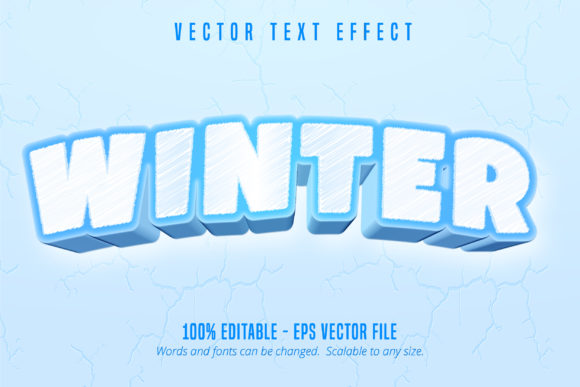
Let's clarify what you're working with. The Winter Game Style Editable Text Effect isn't a traditional font file you install. Think of it instead as a powerful design asset—a pre-built, layered effect for Adobe Illustrator that transforms any standard font into a cartoonish, game-inspired winter wonderland. It comes as an .EPS file compatible with CS6 and later versions, giving you a fully editable template. You simply open the file, swap out the placeholder text with your own words, and the effect automatically applies. The beauty lies in its scalability; you can enlarge it to fit a billboard or shrink it for a business card without losing a pixel of quality.
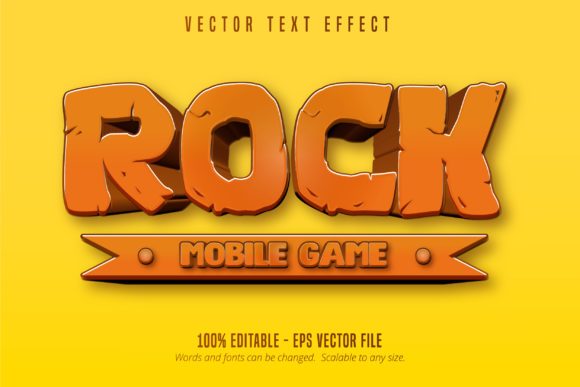
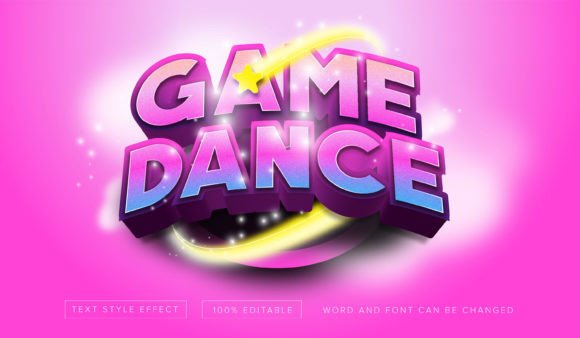
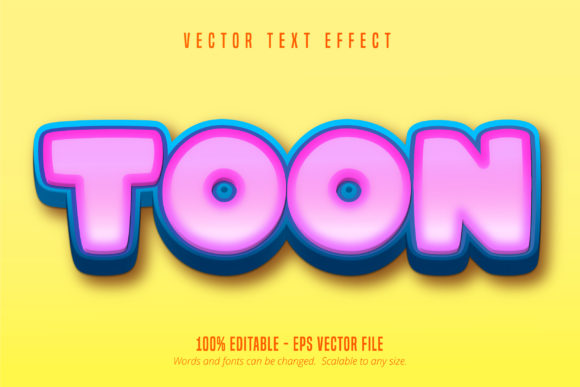
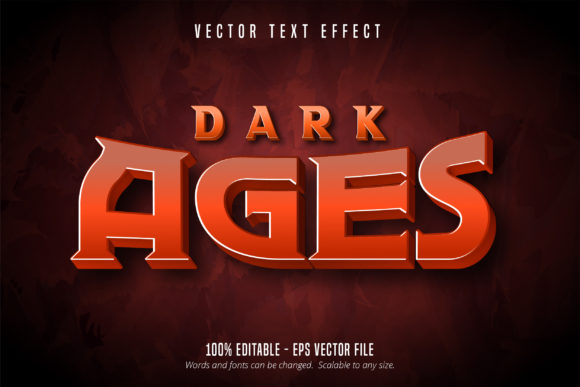
Visually, this effect blends a bold, often rounded sans-serif or display font base with textured overlays that mimic snow, ice, or cozy knit patterns. It’s a style that immediately evokes video game menus, holiday movie titles, and festive branding. Because it’s 100% editable, you’re not locked into a single look. You can adjust colors to match a specific brand palette, tweak the layer styles, or even combine it with other design elements. This flexibility makes it a versatile piece in your toolkit, far beyond a one-trick holiday pony.
Practical Applications: From Branding to Social Feeds
So, where does a style like this actually fit into your projects? The applications are broader than you might first think. For small business owners, especially those in retail, food, or events, it can become a cornerstone of seasonal marketing. Imagine using it for your Christmas sale signage, a winter menu header, or the title on a gift card. It instantly communicates a festive, approachable vibe that can increase audience engagement during a key sales period.
For content creators and bloggers, this effect is a shortcut to creating scroll-stopping graphics. Use it for YouTube thumbnails, Instagram story headers, or blog post titles about holiday recipes, gift guides, or winter travel. It adds a layer of professional presentation that helps your content stand out in a crowded feed. The cartoon game style is particularly effective for reaching a younger demographic or families, but its clean execution keeps it from feeling childish.
Consider these specific uses:
- Packaging & Merchandise: Design eye-catching labels for seasonal products, or create unique t-shirts, mugs, and stickers for an online store.
- Invitations & Print Materials: Craft memorable holiday party invitations, festive flyers for local events, or unique greeting cards.
- Digital Products & Marketing Assets: Style the title slides for a webinar, create compelling email newsletter headers, or design the cover for a downloadable holiday planner.
- Editorial & Web Design: Add a dynamic, thematic touch to magazine layouts, website banners, or promotional pop-ups during the holiday season.
Achieving Cohesive and Effective Design
Using a bold, stylized effect like this requires a bit of strategy to ensure it enhances rather than overwhelms your project. The key is to let it be the star of the show in one or two places, then support it with simpler, complementary typography elsewhere. This is where understanding font pairing becomes crucial. If your main headline uses the Winter Game Style, pair it with a clean, readable sans-serif font for body text or a simple serif for subheadings. This contrast creates visual hierarchy and maintains readability.
Always test your design at the intended size. A playful, textured effect might lose its impact or become muddy if used for very small body copy. It’s best suited for display purposes: headlines, logos, and titles. For long paragraphs of text, you’ll want a more traditional, legible typeface. Before finalizing, step back and ask: Does this typography match the project's goal? A whimsical winter effect is perfect for a family-friendly brand but might not convey the right tone for a luxury service or a serious corporate report.
From a brand identity perspective, consistency is everything. If you decide to incorporate this style into your seasonal branding, use the same color variations and apply it in a consistent manner across all your touchpoints—from your social media graphics to your website's holiday banner. This repetition builds recognition. Remember to also review the commercial licensing of the asset to ensure it covers your specific use case, whether for personal projects, client work, or merchandise you plan to sell.
Bringing Your Winter Vision to Life
Ultimately, the Winter Game Style Editable Text Effect is a tool for storytelling. It allows you to inject a specific, joyful energy into your work with precision and creative control. It solves the common problem of finding seasonal design assets that feel both high-quality and adaptable. By treating it as a component within a larger design system—pairing it wisely, applying it strategically, and ensuring it aligns with your overall message—you can create visuals that are not only festive but also professional and effective. It’s about giving your audience that delightful, recognizable moment of winter wonder, all through the power of thoughtful typography.