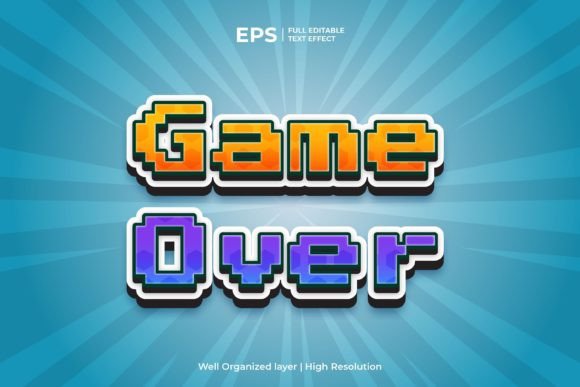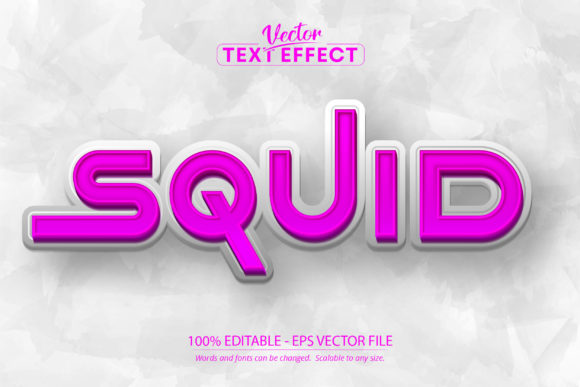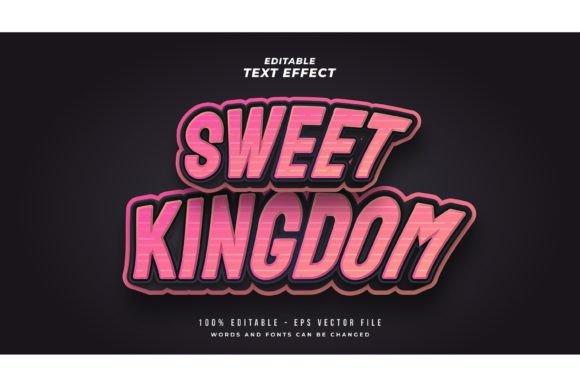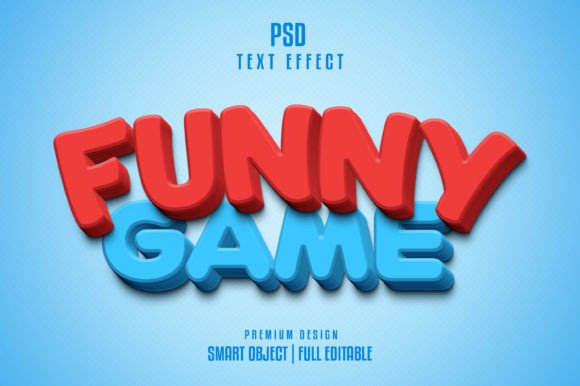
Bring Playful Energy to Your Projects with This Comic Text Effect
There’s something instantly recognizable about comic book lettering. It’s bold, energetic, and packed with personality. Whether you’re designing a poster for a local event, creating social media content that needs to pop, or developing a brand identity that feels approachable and fun, that classic comic style communicates excitement in a way few other fonts can. The challenge has always been finding a way to use that style without spending hours manually creating each letter or settling for something that looks generic. That’s where a well-crafted text effect becomes invaluable—it gives you the visual impact of hand-drawn comic lettering with the flexibility and speed that modern design work demands.
Why This Effect Stands Out from Typical Display Fonts
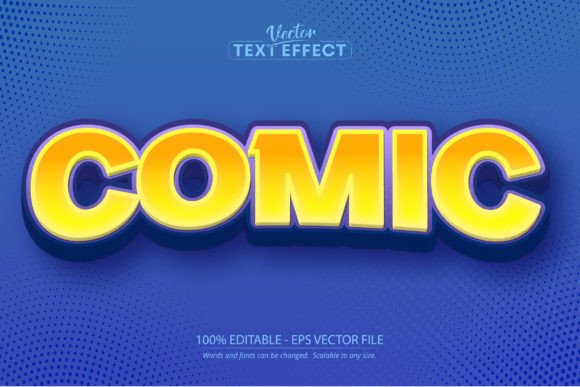
Most designers have encountered comic-style fonts before, but many fall short in practice. They might look decent at first glance, but they often lack the depth and texture that make real comic lettering feel alive. Flat, uniform letters can end up looking cheap or amateurish, which defeats the purpose of using a bold style in the first place. The difference with this particular comic text effect is that it’s built as a layered, editable style rather than a simple typeface. When you open it in Adobe Illustrator, you’re working with a fully customizable effect that applies realistic comic-style shading, outlines, and dimension to whatever text you type. The letters have that hand-crafted quality—slight variations in weight, dynamic outlines, and a sense of movement that flat fonts simply can’t replicate.
What makes this especially practical is the editability. You type your words, and the effect applies automatically. Need to change the message for a different campaign? Just retype. Want to adjust the scale for a billboard versus a business card? It scales cleanly without losing detail. This kind of flexibility matters when you’re juggling multiple projects or working with clients who change their minds about copy at the last minute. Instead of rebuilding effects from scratch each time, you have a reliable asset that adapts to whatever you need.
Practical Applications That Actually Make Sense
Think about the projects where a playful, high-energy visual tone would actually serve your goals. For small business owners creating signage or packaging, a comic-style headline can make a product stand out on crowded shelves. Imagine a kids’ brand, a specialty food product, or an entertainment venue using this kind of lettering on their materials—it immediately signals fun and approachability. For content creators and social media managers, this effect works beautifully for Instagram stories, YouTube thumbnails, or promotional graphics that need to grab attention in a fast-scrolling feed. The bold outlines and dimensional quality ensure the text remains legible even at smaller sizes on mobile screens.
Event planners and marketers will find it useful for posters, flyers, and invitations where the tone is celebratory or casual. Birthday parties, comic conventions, school events, community fundraisers—all of these benefit from typography that matches the energy of the occasion. Digital product creators can incorporate it into printable wall art, sticker designs, or planner graphics. Even editorial designers working on magazine layouts or blog headers can use a comic text effect strategically to break up visual monotony and draw the reader’s eye to key sections.
The key is matching the font style to the project’s personality. A comic text effect won’t be right for a law firm’s annual report, but it’s perfect for a podcast cover, a gaming channel banner, or a children’s book title. Understanding your audience and the emotional tone you’re trying to set will help you decide when this style is the right call.
Making It Work Within a Broader Design System
One of the most common mistakes with bold display fonts is overusing them. If every headline, subheading, and call-to-action button uses the same comic style, the design becomes overwhelming and loses its impact. The smart approach is to treat this text effect as a headline or accent tool, paired with cleaner typography for body text. A simple sans serif font for paragraphs creates a visual hierarchy that lets the comic style shine where it matters most—on the words you really want people to notice.
Font pairing is worth experimenting with before committing to a final design. Try the comic effect alongside a modern sans serif like Montserrat or a friendly rounded typeface. See how the weights and spacing interact. Does the comic headline feel too heavy next to a delicate body font? Does the overall composition feel balanced? These small decisions add up to a cohesive visual identity, whether you’re designing a single social media post or building out an entire brand system.
Readability also deserves attention. Comic lettering works best at larger sizes where its details are visible. Avoid using it for long passages of text or fine print. Instead, reserve it for titles, slogans, and short phrases where its personality enhances the message without creating a barrier to understanding. If you’re working on a website, test how the text renders at different screen sizes. On packaging, consider how it looks from a typical viewing distance. The goal is always clarity first, style second.
Working Efficiently with Design Assets
Time is a resource that designers, entrepreneurs, and creators rarely have enough of. Having reliable, high-quality design assets on hand—whether that’s a premium font, a set of illustrations, or an editable text effect—saves hours over the course of a project. This particular comic text effect comes in Adobe Illustrator EPS format, which means it integrates directly into workflows that most designers already use. The file is 100% editable, so you can adjust colors, resize elements, and modify the text without any loss of quality. It’s scalable to any size, which matters when you’re moving between digital and print formats.
Before purchasing any font or design asset, it’s worth reviewing what’s included and confirming compatibility with your software. This effect is specifically designed for Adobe Illustrator, so it won’t work in other programs. Knowing that upfront saves frustration later. Also, take a moment to review the licensing terms. If you’re using the asset for commercial projects—client work, products for sale, business marketing—make sure the license covers that use. Most premium design assets include commercial licensing, but it’s always smart to verify.
Keep your design library organized. When you have a collection of fonts, effects, and templates that you trust, you spend less time searching and more time creating. Label your assets clearly, store them in accessible folders, and note which ones work best for specific types of projects. Over time, this becomes an invaluable resource that speeds up your workflow and maintains consistency across everything you produce.
Building Visual Identity with Intentional Typography Choices
Typography is one of the most powerful tools in visual communication, yet it’s often treated as an afterthought. The fonts and text styles you choose say something about your brand before anyone reads a single word. A comic text effect communicates energy, creativity, and a sense of play. Used intentionally, it can help a brand feel more approachable, a product feel more exciting, or a message feel more urgent. Used carelessly, it can undermine credibility or confuse your audience.
The difference comes down to context and consistency. If your brand personality leans fun, youthful, or creative, incorporating a comic-style effect into your headlines can reinforce that identity across every touchpoint—from your website hero section to your product packaging to your email headers. The key is using it consistently and purposefully, not randomly. Pair it with complementary colors, maintain clear spacing, and let it serve as one element in a larger, intentional design language.
For those building a brand from scratch or refreshing an existing identity, start by defining the emotions and associations you want your visuals to evoke. Then choose typography that supports those goals. If comic-style lettering fits, test it across multiple applications before finalizing. See how it looks on a business card, a social media profile, a t-shirt, and a website. If it holds up across contexts and resonates with your target audience, you’ve found a valuable addition to your creative toolkit.