Blue & White Text Effects: Game-Style Typography for Bold Designs
There's a certain energy that jumps off the screen when you see a typeface that feels like it belongs in an arcade. That high-contrast, punchy aesthetic isn't just for high scores anymore. The Blue and White Text Effect in Game Style captures that nostalgic, competitive vibe and packages it into a modern design asset. It’s a specific visual language that instantly communicates excitement, technology, and a bit of retro flair. If you're building a brand that needs to stand out in a crowded digital space, or creating a poster that needs to grab attention from ten feet away, this kind of bold, stylistic text treatment is a powerful tool. It’s less about the letters themselves and more about the energy they project, making it a go-to for anyone looking to inject some dynamic personality into their work.
More Than Just a Font: Understanding the Game-Style Effect
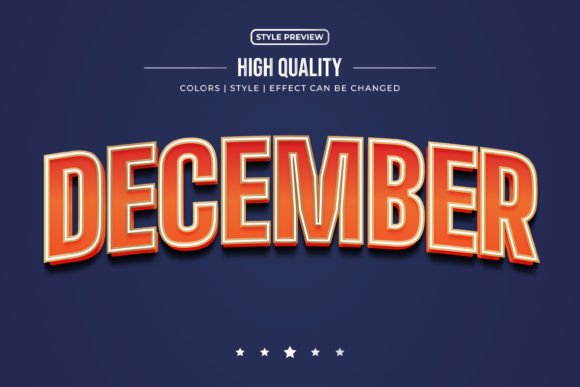
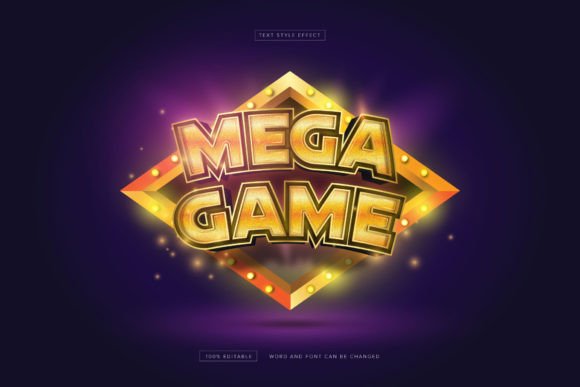
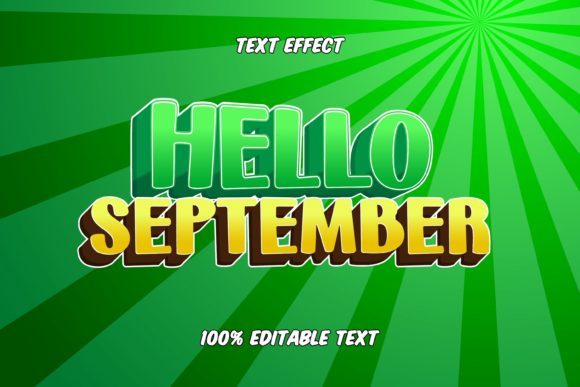
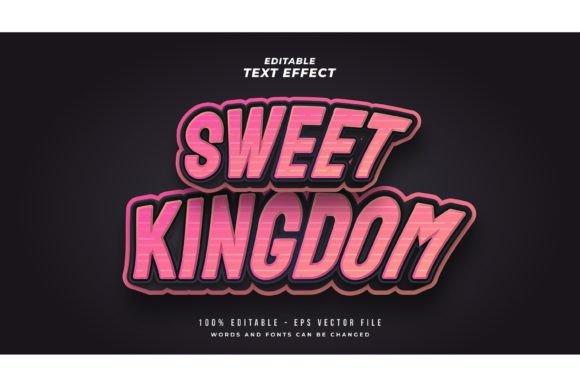
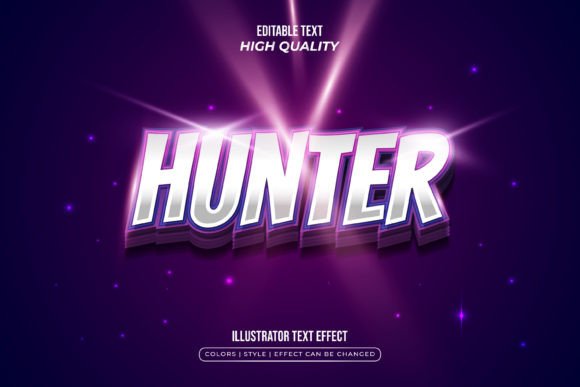
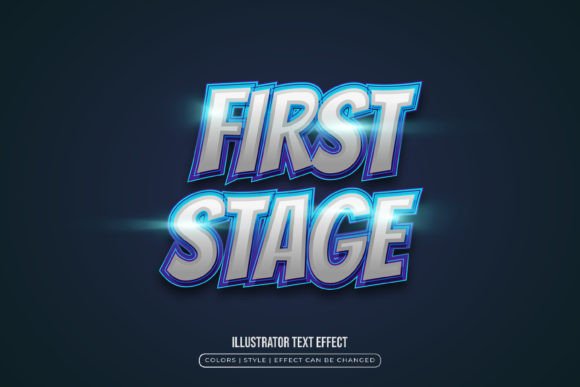
First, let's clarify what this asset actually is. The Blue and White Text Effect in Game Style is not a traditional font file you install and type with in a word processor. Think of it as a stylistic filter or a design template. It’s a pre-designed visual effect—typically featuring bold outlines, sharp angles, color gradients, and sometimes a 3D or beveled appearance—that you apply to your chosen typeface. The package usually includes editable vector files (like EPS) and high-resolution previews (like JPGs). This approach gives you incredible creative freedom. You start with the game-style blue and white palette and effect, but you can apply it to a sturdy sans serif for a tech startup logo, a playful script for a party invitation, or a classic serif for an editorial headline with a twist. The effect is the consistent thread; the font is your variable.
This separation of effect and font is a practical advantage. It means the Blue and White Text Effect isn't tied to one specific look. A designer might use it on a bold, blocky display font for a gaming channel banner, while a small business owner could apply a subtler version to their brand name on packaging to suggest innovation and reliability. The blue and white color scheme itself is a classic combination—blue often conveys trust, stability, and technology, while white offers clean contrast and clarity. Together, they create a professional yet energetic foundation that works across countless industries.
Where This Style Truly Shines: Practical Applications
The real test of any design asset is how it performs in the wild. The game-style text effect has a surprisingly wide range of uses because its core appeal—being bold, clear, and visually engaging—translates well to many formats.
- Digital Presence & Branding: This is where the effect feels most at home. Use it for your website's main headline, your YouTube channel name, or your podcast logo. It’s perfect for social media graphics—think Instagram story headers, Twitch stream overlays, or Facebook event banners. The high contrast ensures legibility even on small screens, and the style immediately sets a specific, memorable tone for your brand identity.
- Marketing & Advertising: Need to create a flyer for a tech event, a sale banner for an e-commerce site, or an eye-catching email header? The game-style effect makes text the focal point. It’s also highly effective for creating assets like digital product mockups, webinar titles, and app store graphics where you need to communicate energy and value at a glance.
- Physical Products & Print: Don’t limit it to pixels. Apply the effect to packaging design for a product that wants to feel modern and innovative. It works on posters, stickers, t-shirts, and merchandise. Imagine a local esports team's jersey or a retro-themed café menu—this typography style helps solidify the visual concept. For print materials like business cards or brochure headlines, it adds a memorable punch that a standard font alone might lack.
- Creative & Editorial Projects: Bloggers and content creators can use it for chapter titles in a digital magazine, section headers in a newsletter, or cover art for an e-book. Invitations for a gaming-themed birthday party or a tech product launch would feel instantly on-brand with this treatment. It’s also a fantastic tool for designers creating templates for others to sell on marketplaces like Creative Market or Etsy.
Smart Typography: Pairing and Readability Tips
Adopting a powerful style like this requires a bit of strategy. The goal is to harness its energy without overwhelming your audience or sacrificing clarity. Here’s how to approach it practically:
Choose Your Base Font Wisely. The effect you’re applying is already visually complex, so your underlying font choice is critical. For maximum impact and readability, start with a sans serif or display font that has clean, sturdy letterforms. Avoid overly thin or intricate scripts for large blocks of text. Use the stylized text for headlines, logos, and key phrases—not for your entire paragraph. Your body copy should be set in a highly legible, neutral font to provide visual rest.
Test Font Pairings. If your headline is in a game-style effect, pair it with a simple, complementary font for subheads and body text. A geometric sans serif (like Futura or Montserrat) often works well, as does a clean humanist sans serif (like Open Sans). The contrast between the decorative headline and the functional body text creates a clear visual hierarchy that guides the reader's eye.
Respect Readability. Always test your design at the size it will be viewed. Zoom out on your screen or print a proof. Is the text still legible? The blue and white color combination offers good contrast, but ensure the effect doesn’t blur the letterforms. Sometimes, simplifying the effect—perhaps reducing the outline thickness or shadow depth—can improve clarity without losing the core style.
Commercial Use is Key. If you’re using this for a business, a client, or anything you plan to sell, verify the licensing. The product description should state that it comes with a commercial license. This is standard for premium design assets and protects you legally. It allows you to use the final designs on products, in advertisements, and across digital platforms without issue.
Ultimately, the Blue and White Text Effect in Game Style