Arcade Game Text: Unlocking Retro Style for Modern Design
There’s something magnetic about the pixelated glow of an arcade cabinet. It’s a specific kind of nostalgia—one that conjures images of high scores, neon lights, and the satisfying click of a joystick. If you’re working on a project that needs to tap into that vintage energy, whether it’s a tech startup, a gaming brand, or a creative portfolio, you don’t just need a font; you need a vibe. This is where the specific appeal of retro typography comes into play. It’s not just about looking old; it’s about capturing a moment in time when digital design was bold, blocky, and unapologetically fun.
Beyond the Pixels: Why This Style Works
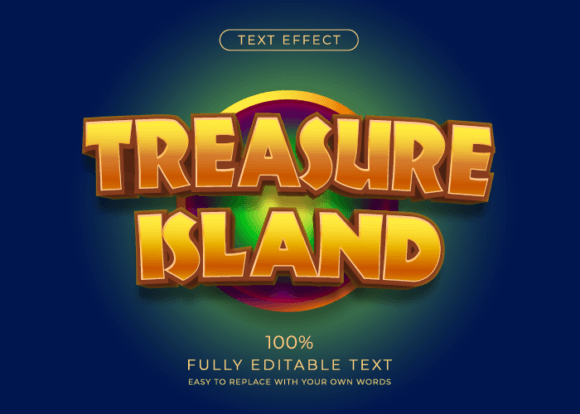
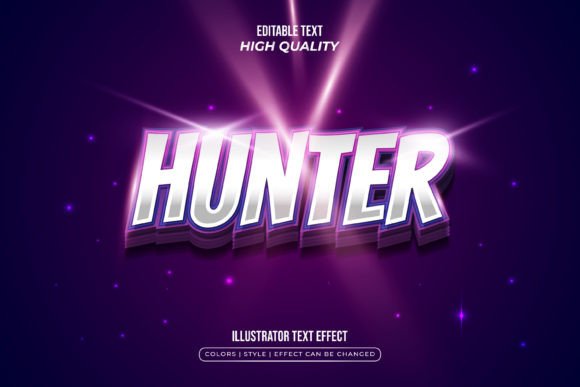
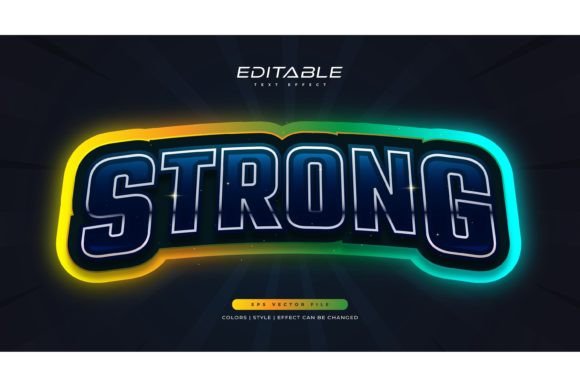
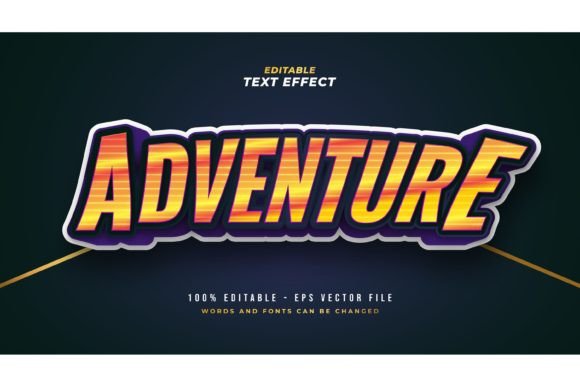
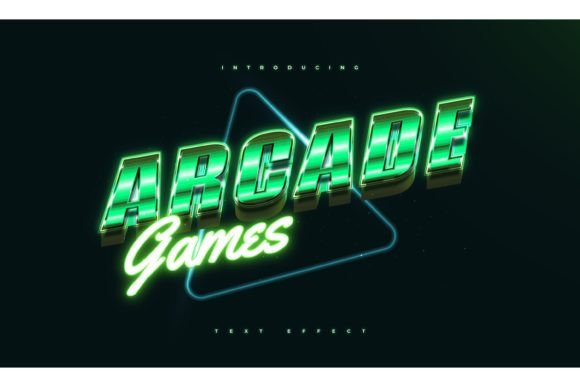
The visual language of 80s and 90s arcades is powerful because it communicates instantly. It tells your audience that you value creativity, a bit of rebellion, and a strong, clear message. The Arcade Game Text in Retro Style asset taps directly into this. What makes it particularly useful for today’s designer is its flexibility. It’s not a static, locked-down font file. Instead, it’s a fully editable text effect. This means you can apply that chunky, shadowed, neon-infused look to any typeface you choose. Want to see how your favorite modern sans serif looks with a retro arcade shadow? You can. Need to apply that pixel-perfect effect to a script font for a unique logo? It’s possible. This adaptability is a game-changer for maintaining brand consistency while experimenting with personality.
Let’s be practical. You’re not just buying a style; you’re investing in a versatile design asset. The included EPS and JPG preview files mean you have a professional starting point that’s ready for high-resolution work. The “100% editable” promise is key here. You can adjust the words, swap the fonts, resize everything, and tweak the effect to match your exact color palette. This isn’t a one-size-fits-all graphic. It’s a toolkit for building a visual identity that stands out. For a small business owner creating their first set of social media templates or a blogger designing a standout header, this kind of control is invaluable. You avoid the cost and time of commissioning custom lettering for every new piece of content.
Putting the Retro Vibe to Work
So, where does this style actually shine? The applications are broader than you might think. Of course, it’s perfect for logo design and branding for companies in the tech, gaming, entertainment, or creative spaces. It instantly sets a tone that’s energetic and engaging. But think beyond the obvious. A retro arcade effect can make packaging design pop on a shelf, especially for products targeting a younger demographic or those with a playful, nostalgic angle—think craft sodas, snack foods, or novelty items.
For digital creators and marketers, the utility is immediate. Imagine using this text style for social media graphics to announce a sale, a new blog post, or a podcast episode. It stops the scroll. It’s visually distinct in a sea of minimalist designs. On a website, it can be used for key headings or call-to-action buttons, guiding the user’s eye with a burst of personality. For blog headers or featured images, it helps establish a recognizable visual brand that readers will associate with your unique voice.
Don’t overlook print and physical applications. This style translates beautifully to posters for events, merchandise like t-shirts and stickers, and even invitations for themed parties or product launches. An editorial layout for a magazine or a digital product cover can use this effect to convey a specific genre or mood at a glance—think sci-fi, retro-futurism, or youth culture. The key is matching the typography’s personality to your project’s goal. A bold, blocky arcade style communicates strength and excitement, while a more stylized, glowing version might evoke mystery or nostalgia.
Making It Work: Practical Design Considerations
Having a great tool is one thing; using it effectively is another. Here’s some straightforward advice for integrating this kind of retro text effect into your work. First, choose your base font wisely. The effect will interact with the font’s inherent structure. A very thin, delicate script might get lost, while a thick, geometric sans serif will hold the effect beautifully and maintain readability. Test a few pairings. See how the effect looks on a serif versus a sans serif. The goal is clarity, even with a decorative style.
Consider your color palette. Retro arcade styles often look best with high-contrast colors—think electric blues, hot pinks, and bright yellows against dark backgrounds. However, you can adapt this. A muted, pastel version of the effect can feel more contemporary and sophisticated. Always preview your text on its intended background. A JPG preview is great for a quick look, but working with the EPS file in a vector program like Adobe Illustrator gives you the power to fine-tune every shadow, highlight, and color layer to ensure it integrates seamlessly with your overall design.
Finally, think about hierarchy and emphasis. This style is a display typeface treatment, meaning it’s meant for headlines, titles, and short bursts of text—not for body copy. Use it to draw attention to the most important information. Pair it with a clean, simple body font for contrast. This creates a balanced layout where the retro element adds flair without overwhelming the message. Remember, the goal is to enhance communication, not hinder it. A well-chosen, well-executed retro text effect can become a cornerstone of your brand’s visual language, making your projects instantly recognizable and full of character.